Ink Script
Hand-written as it is spoken
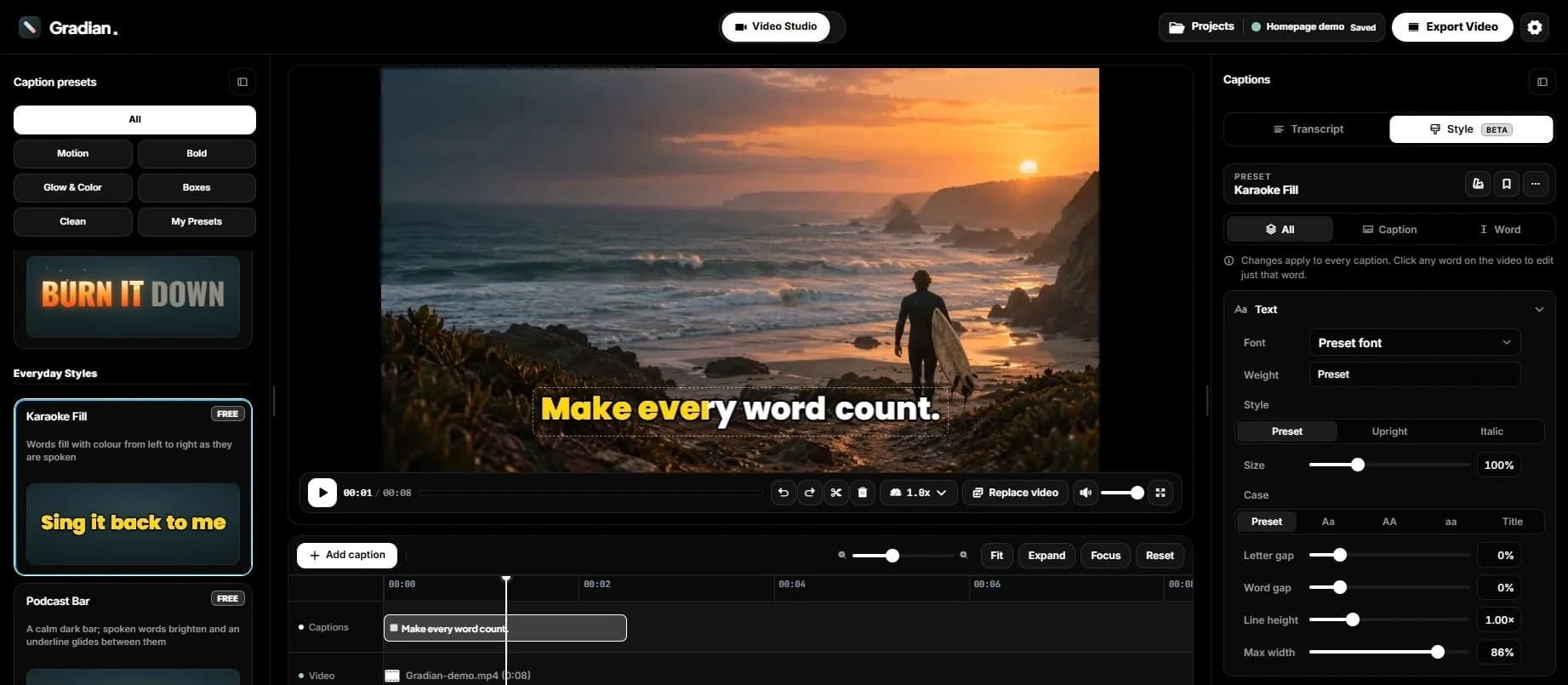
The Gradian studio
Gradian turns speech into captions you can fix word by word, style on your own footage and export as MP4, SRT, VTT or a .gcap file for your editor.
 Gradian Studio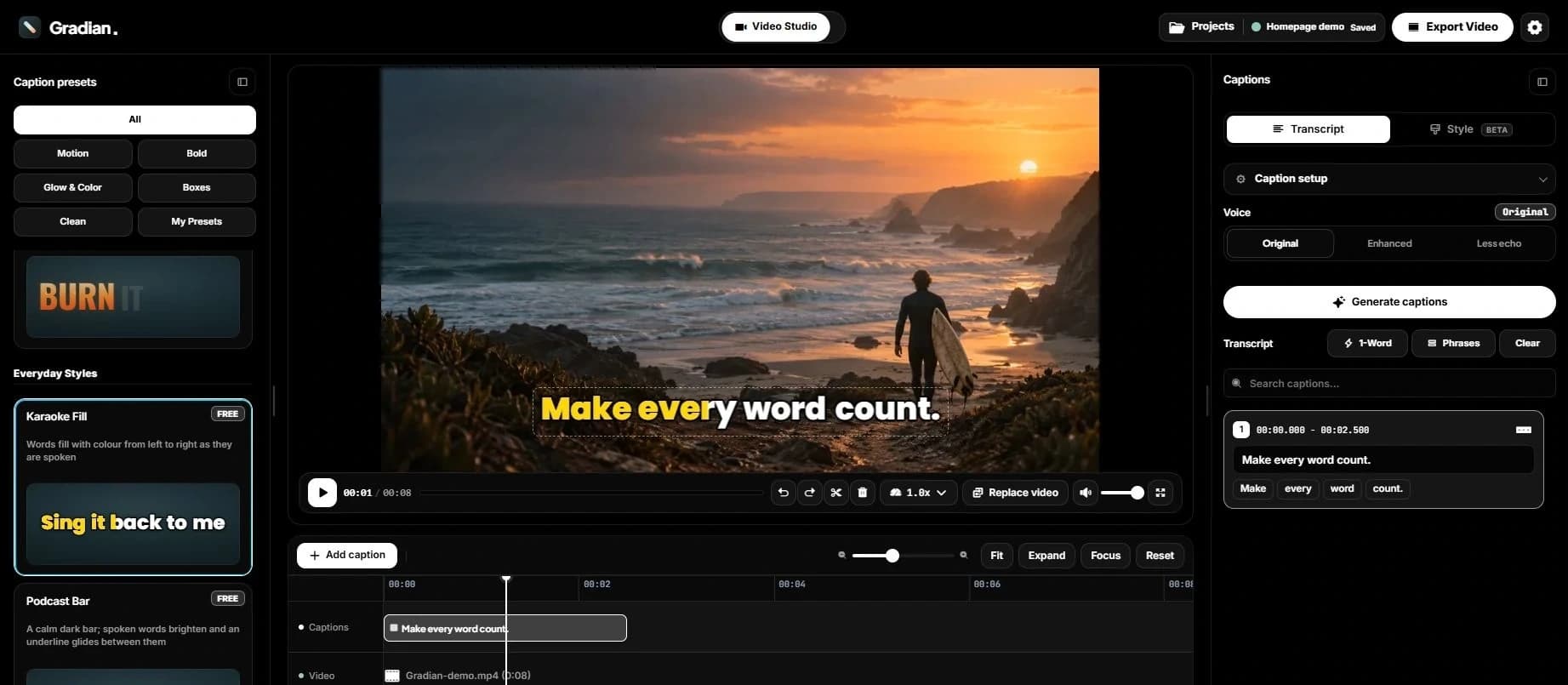
Caption editing
Correct a word, adjust its timing or change a line break, and see each edit on your video straight away. Undo anything.
Try it in StudioAajMirakesaathshoothai
Check spellingPehlelightingsetkartehain
LocationhaiJaipurkaoldcity
Caption styles
See how each style moves with your words. Then tune the font, colour, placement and emphasis on your footage.
New · The .gcap file
SRT keeps the words. A .gcap keeps the words, the timing of each one and your whole look. Scroll to follow one through.
Caption your clip and pick a style. Every word already knows the moment it is spoken.
One click saves your captions as a .gcap: a small file that only Gradian makes.
Each word with its own start and end, the preset, the fonts, the colours, and where the captions sit on screen.
Drop it into DaVinci Resolve or Premiere Pro with the Gradian plugin, and your captions arrive exactly as you styled them. The plugins are coming soon.
The finishing tools
Describe a look in your own words and get a caption style to start from.
Resume your video, captions and edits on this device.
Split and retime individual words on the timeline.
Choose the workspace that suits your edit.
Export the current preview as an image, captions included.
Your video and subtitle files, on every plan.
Languages
English and Hinglish today, with Hindi and Bengali in Beta. Review names, numbers and timing before you export, especially with Beta languages.
What’s next
More languages and tools for your editing workflow.
More language packs, checked for mixed speech, names, and word timing.
Caption your timeline and bring editable subtitles back to Resolve.
Captions and styled graphics for your Premiere sequences.
A dedicated caption workspace with batch jobs and a caption designer.
Speed and codecs depend on your browser and computer. Try a short export first.
Audio is sent for processing. Editing runs locally; your account needs a connection.
Manual caption edits and local exports do not consume transcription minutes.